Search Tips
Tips to navigate the Chinatown Storytelling Centre Digital Archives:
- Use a computer instead of mobile devices for better user experience.
- Search words are NOT case-sensitive.
- Put search PHRASE within a double quotation mark in a SEARCH BOX:
e.g. “jin wah sing”
e.g. “chinatown parade”
- Number of search results appears on upper left corner:

- Use the browser ‘back button’ (←) to return to the list of search results.
- Date is shown in yyyymmdd format.
- ‘SORT’ function will be enabled.
Tips for Searching Chinatown News (full text)
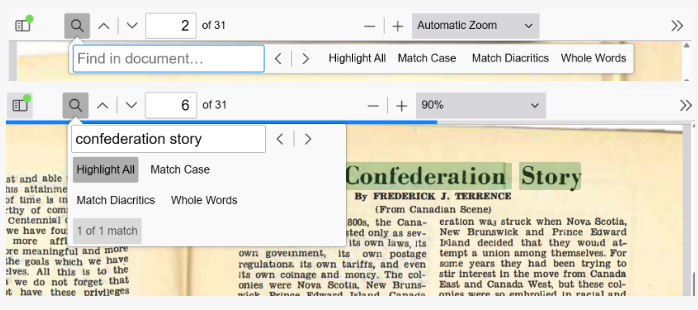
- DO NOT use quotation marks when searching within each issue of Chinatown News in the magnifier ICON ; the number of search results appears at the end of the search box, click Highlight All to identify the search result(s) in green.
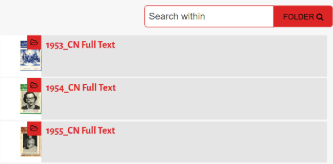
- Search within specific (year) folder yields date-relevant results.
Tips for Searching Chinatown News (cover stories)
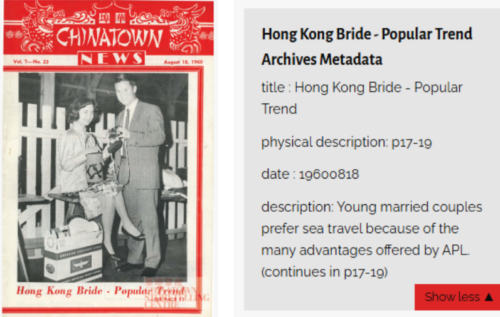
- Searches point to the data (i.e. title or date) or description text in cover stories; excessive long text is NOT included and they are available in indicated page(s) in Chinatown News (full text).
- Click the Show more button to see the description text.